How can we help?
Questions about Jellyloom, the one-time unlock or anything else? Email us and a real person will reply, usually within two business days
Email us
playjellyloom@outlook.comEmail usPlease include your device (for example iPhone 15 or iPad) and what happened. Don't send your child's name or any personal details
Common questions
What is free, and what does the unlock add?
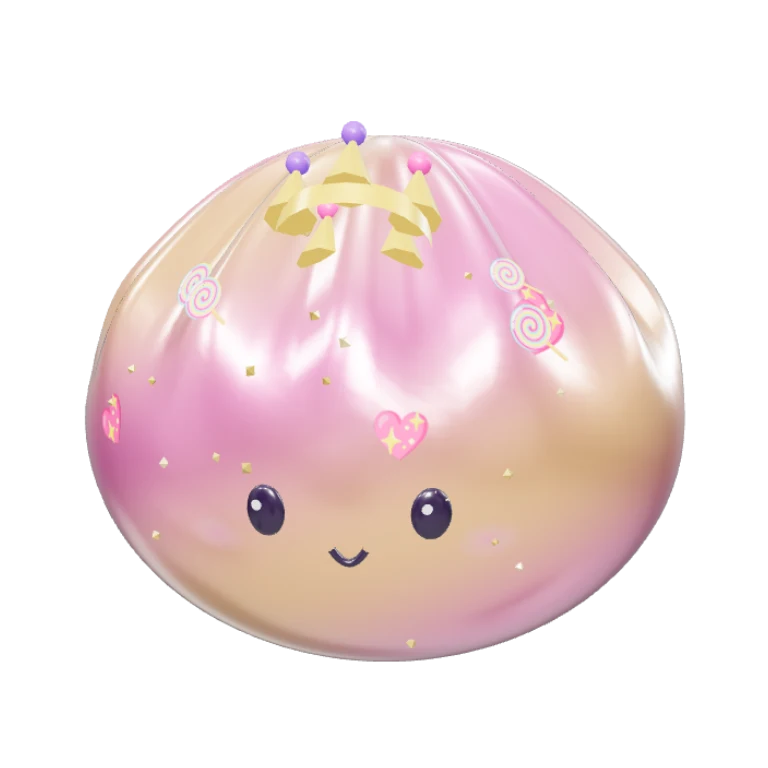
Free: Play with every squeeze move, the six starter friends, the candy family (including its legendary, Queen Sprinkles), 24 add-ins, the Cutest, Prettiest and Candy Parade shows, the Cloud shelf, the Club, the room, secrets and adventures.
The one-time unlock ($7.99 in the US) adds the ocean, space, garden, fruity and dino families with their legendary friends, the Make studio, all 86 add-ins, all 12 shows and the Candy and Space shelves. It is a single purchase, not a subscription.
How do I buy the unlock?
Tap anything with a gold lock, or open Settings (the gear) › For grown-ups › Unlock everything. A grown-up answers a quick math question, then the App Store or Google Play asks to confirm the purchase.
How do I restore my purchase on a new device?
- Sign in to the same Apple Account (or Google account) you bought with
- Open Jellyloom › Settings › For grown-ups
- Tap Restore purchases
The same button is at the bottom of the unlock sheet. Jellyloom also checks with the store every time it opens.
Can my family share one purchase?
Yes. On iPhone and iPad the unlock supports Family Sharing, so everyone in your Family Sharing group gets it. If Ask to Buy is on for a child, the unlock arrives as soon as the organizer approves it.
How do I get a refund?
Refunds are handled by the store. For Apple, go to reportaproblem.apple.com. For Google Play, see Google Play refunds. You can also email us and we'll help.
How do I move squishies to a new device?
Open Settings › For grown-ups › Save a backup file, keep the file somewhere safe, then on the new device choose Bring back from a file. Restore purchases brings back the unlock.
Is Jellyloom safe for my child?
Jellyloom has no ads, chat, accounts or links that leave the app without a grown-up check, and it collects nothing about your child. The fashion show judges and other contestants are characters in the app. See the privacy policy for details.
What is the grown-up check?
A multiplication question young children can't easily answer. It appears before purchases, sharing and backups. It is a simple gate, not a form of consent, and it never collects anything.
The sound, buzzing or motion is too much
Open Settings to turn down the sound and buzzes, switch on gentler motion, or turn off squish words and sparkles. Jellyloom also follows the device's Reduce Motion setting.
How do I delete everything?
Delete the app. Everything Jellyloom kept lives only on the device, so it's removed with the app. Your unlock stays with your store account.
About
Jellyloom is a game from Halo Dot, made by Halo Dot Inc. • App version 0.13 • 6 families • 42 friends, 6 of them legendary